From mid-May, Fractal's default eraser deleted the strokes it touched. Long lines are stored as one piece per tile, so a drag across the middle of one removed whole tile-sized pieces of it, not the part under the brush. I made delete the default because, while testing, it was just easier to erase everything in that mode. Then it stuck for months. The mode that could leave a clean gap was already in the code. It sat fourth in a picker, labeled "Erase along path".
I wanted what a pencil eraser does: a gap through a line, a shaved edge on a broad marker stroke, a hole in the middle of one, and nothing else touched.
Every stroke is a vector, a centerline of points plus a width, stored in coordinates local to the tile it was drawn in. Tiles sit at depths, the canvas's zoom levels from 0 to 24. On a canvas like that, "erase" sounds like one feature. It's a decision about what the data says after you've erased. That decision was mine; agents wrote the code that carried it out (more on working that way).
The plan for this change weighed four meanings. One was rejected outright, one wasn't needed, one I deferred, and one shipped.
Paint the background color#
The cheapest eraser is a white pen, and Fractal's paper is white in every theme. Paint rules would apply to it, though. The client multiplies a stroke's opacity by its depth's opacity, so a white stroke on a depth faded to 50% would cover half of what it was meant to remove. Real erasers skip that multiplication and always remove at full strength.
The server would notice too. A cell image ships only if some pixel has nonzero alpha; an empty cell gets an empty reply. Every changed cell is rebuilt either way, but a cell scrubbed clean with white paint would ship as a PNG of opaque white pixels instead of being marked empty. The plan rejected this option because it doesn't remove alpha.
Split the centerline#
Cutting the centerline fits the stored shape: cut the point list where the eraser crosses it and keep the shorter lines on either side. That covers a gap across a thin line. It can't shave the side of a thick mark, because an eraser running along the edge never crosses the centerline. It can't make a hole either. A hole sits inside the width with the centerline running through it, and points plus a width have no way to say "this stroke, minus a disc in the middle". The plan marked this one as not needed for what I was asking for.
Subtract the geometry#
Subtraction is the thorough option. Turn the stroke into its filled outline, subtract the eraser's footprint, and store each connected leftover as its own stroke. It's the only one of the four where the halves of a cut line become things you can pick up and move.
Outlines exist on the server, whose rasterizer builds one for every tool, but only to paint it. The stored stroke is still a centerline, hit testing measures distance to it, and the client still draws constant-width tools as stroked paths from the point list. The newer plan lists the cost as hit tests, rendering, movement, history, and numeric requirements at deep zoom. An eraser at depth 24 can cut a stroke drawn at depth 2, a scale ratio of about four million. The March plan for the first eraser has no row described this way; its nearest match, "Split intersecting strokes", scored "Very Complex" for both undo and multi-user.
My reading of the multi-user part: the server refuses to delete or move another session's stroke, and skips edits at a locked depth. Subtraction rewrites the stroke it cuts, so erasing someone else's line would have needed a rule of its own. I deferred this option as a scope decision.
What shipped: ordered masks#
Masks keep every stroke intact and treat an eraser as one more stroke, tagged tool: "eraser". It takes the same stroke-batch path as drawing, through the durable operation log, with nothing new on the wire.
The meaning lives in compositing. The client renderer and the server's image builder both apply strokes to one surface in paint order: paint draws source-over, an eraser destination-out at full strength. Trimmed from the server's rasterizer:
func strokePaintFor(stroke Stroke) (strokePaint, bool) {
	if stroke.Tool == "eraser" {
		return strokePaint{alpha: 1, eraser: true}, true
	}
	// ...colour and opacity for paint
}

// compositeCoverage, per pixel and channel:
alpha := paint.alpha * coverage
source := channels[channel] * alpha
if paint.eraser {
	source = 0
}
target.Pix[at+channel] = uint8(math.Round(source + float64(target.Pix[at+channel])*(1-alpha)))
An eraser keeps 1 - alpha of whatever is under it and adds nothing. Paint drawn after it is untouched, because it hasn't been applied yet.
This only became a good answer recently. The first eraser, in March, was already a destination-out stroke, but it ran inside its own tile's offscreen buffer. An eraser at depth 10 couldn't reach a broad marker stored in a depth-2 tile.
The zoom rework fixed that by giving every stroke an Order field and making paint order global and chronological at every depth. Its reference scene: a broad marker at depth 2, a small pen at depth 12, an eraser at depth 10 across a tile seam, then a marker at depth 4 from a second session. The eraser has to cut the first two and leave the last alone, at every zoom level.
Undo comes from the same model. An erase gesture is one undo entry, like a drawing, and undoing it brings the paint back. Redo restores it at its original order, so it doesn't land on top of paint drawn in between.
With that in place, making masks the default was a seven-line change to the toolbar. The next day the picker shrank to two choices, "Erase" and "Delete strokes", with a "This depth only" checkbox, and the old visible-strokes delete mode went away.
"Delete strokes" still removes whole stored pieces, like the delete modes before it: the part of each line kept in the tile the eraser touched, not just the part under the brush.
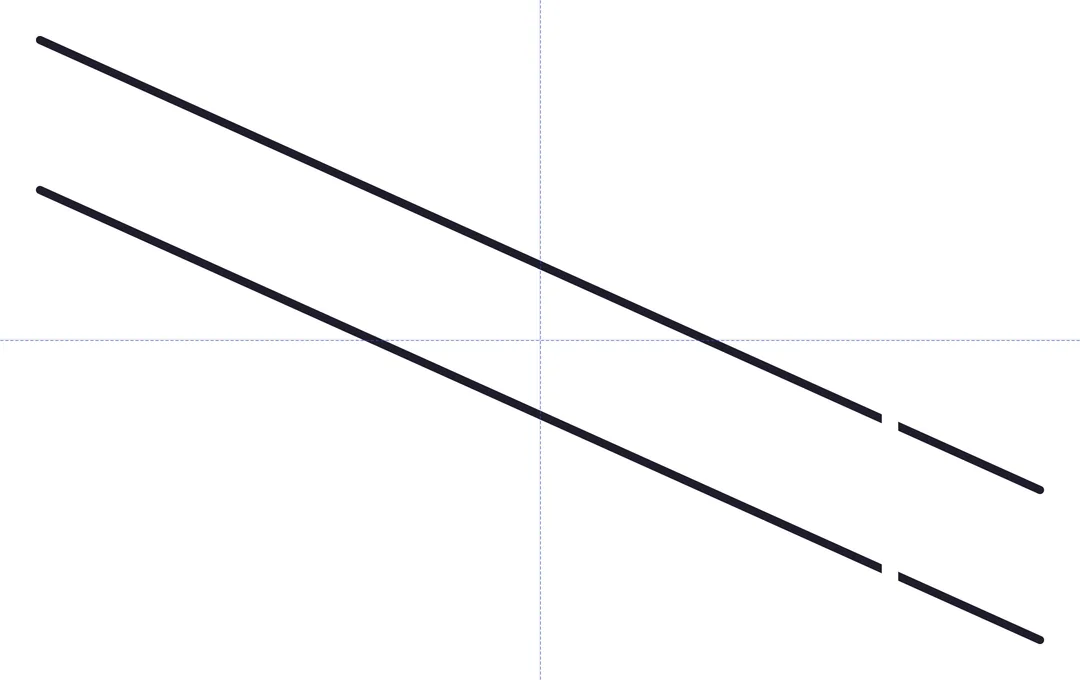
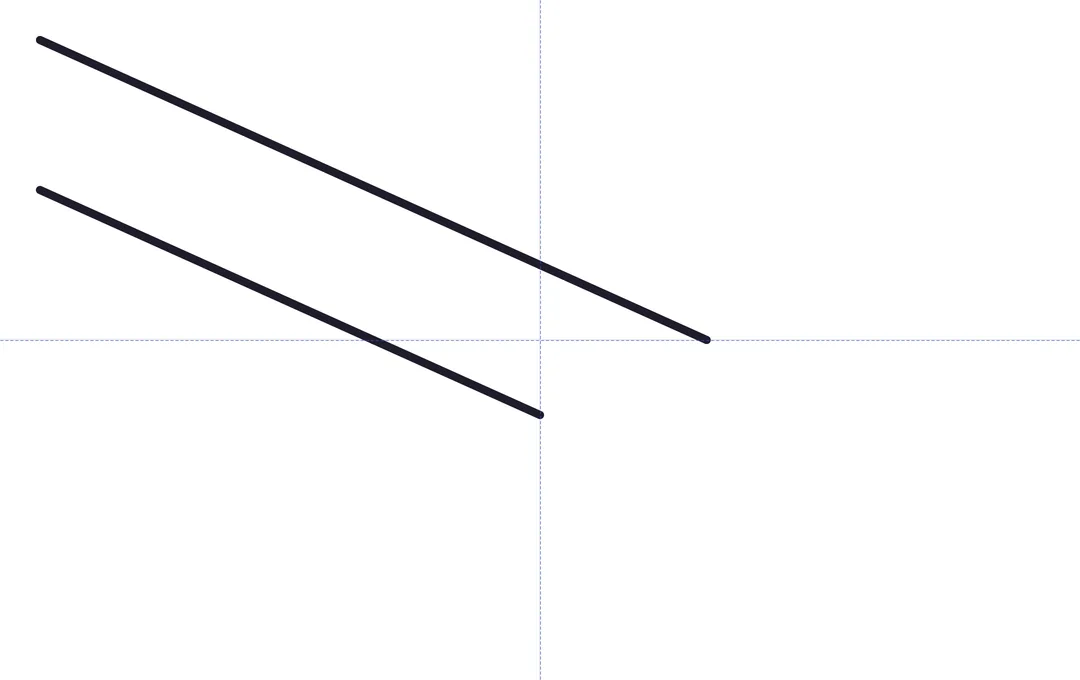
What masks can't do#
Cut a line in half with the eraser and you still have one line. You can't move the left half or delete the right half on its own. Selection tests the original geometry, so a stroke you've erased completely can still be selected. Hide the depth the eraser was drawn at and the hole disappears with it, because the hole belongs to the eraser, not the stroke.
Erasing reaches further than deleting does. Delete only removes your own strokes and skips locked depths. An erase authored at an unlocked depth cuts anyone's earlier paint at any depth, locked ones included. The zoom rework defined locks as a limit on authoring, not a guarantee that locked paint never changes. The help text says the eraser reaches every depth and anyone's paint, rather than asking for confirmation.
Erasers pile up, too, each one a stored stroke. The March plan accepted that on the theory that people don't erase the same spot hundreds of times. The newer plan chose not to measure it unless testing turned up a problem.
That nearest March row, "Split intersecting strokes", also scored "Best" for UX and "Very High" for complexity. That row hasn't changed. One thing has: fill regions are now stored as area geometry with rings, rendered on both sides and hit-tested. Editable pieces might build on that someday.